
In short
- Meta (Instagram, Facebook, Threads) shows “AI info”, TikTok an “AI-generated” label, LinkedIn a Cr icon, mostly triggered by C2PA or IPTC metadata from the AI tool or by your own disclosure.
- They live in the app, not in your picture: metadata is easily lost (a screenshot is enough), and the label stays behind when the image is downloaded or reshared.
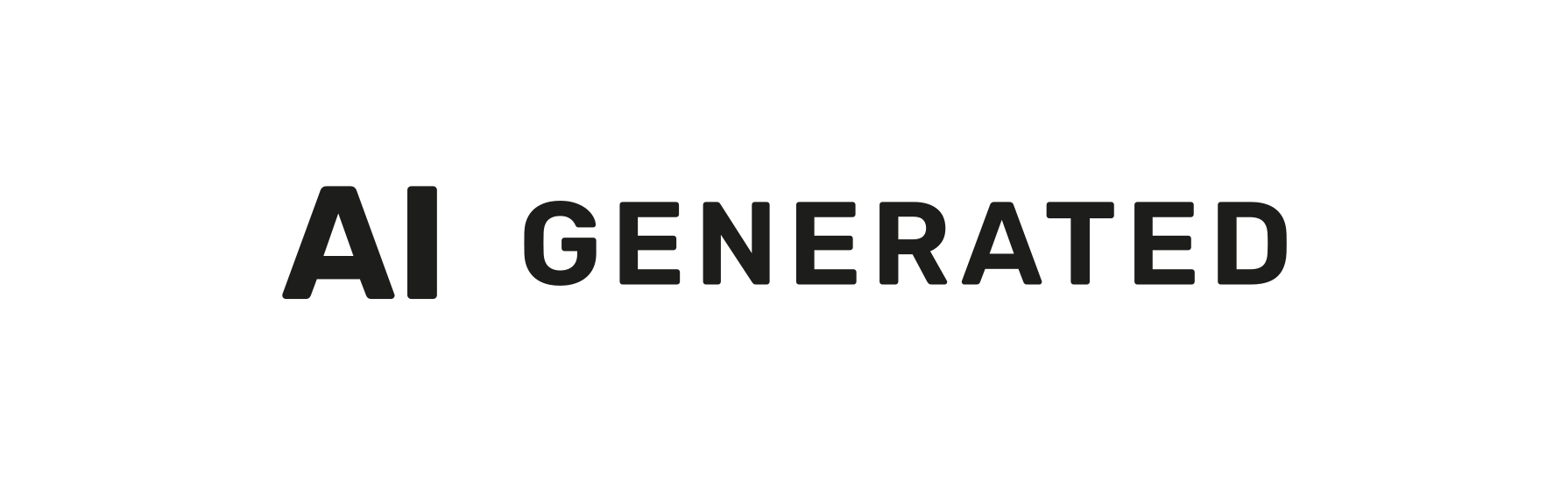
- The EU Code of Practice wants a label embedded in the content, visible at first exposure. Its example, top right, is clear of most app overlays, according to third-party layout guides.
- On 9:16 Stories, Reels and TikToks, keep the icon below the app's top band (about 14% of the height) and off the buttons on the right.
- Use both: draw the EU icon in with the EU AI image label tool, turn on the platform's AI label too, say it in the caption, and keep the IPTC tag.
Instagram, Facebook and Threads: “AI info”
In February 2024, Meta said it would label AI images on Facebook, Instagram and Threads by reading the signals AI tools write into their files: C2PA Content Credentials and IPTC metadata. From April 2024 the label read “Made with AI”. On 1 July 2024 Meta renamed it “AI info”, after lightly retouched photos were flagged as made with AI.
Since September 2024, content Meta detects as AI-generated keeps “AI info” on the post, saying whether it came from industry signals or from the person who posted. Content only edited with AI tools gets the label in the post's menu instead. Meta still describes this system in a post updated on 1 June 2026. On Instagram, the label sits under your username, above the picture, not on it (TechCrunch, 2024).
Adding it yourself: Meta lets you disclose AI when you post: look for the AI label option as you share. Disclosure is required for photorealistic video and realistic-sounding audio, and Meta says it may apply penalties when people don't.
TikTok: the “AI-generated” label
On 9 May 2024, TikTok said it had become the first video-sharing platform to use C2PA Content Credentials: it labels AI content uploaded from elsewhere when the file carries them. In November 2025 it said it was testing an invisible watermark that only TikTok can read, and that its labelling had covered over 1.3 billion videos.
TikTok asks you to label realistic AI-generated content yourself when you post. Unlabelled realistic AI content may be removed, restricted or labelled by TikTok, and creators can't remove the labels it applies automatically. TikTok also warns that labels may be lost when content is reuploaded or edited elsewhere. Third-party guides place the label bottom left, below your username.
LinkedIn and YouTube: Content Credentials and disclosure
LinkedIn shows a small Cr icon, top left, on images and videos that carry signed C2PA Content Credentials. Click it to see whether AI generated or edited the content, with the app, the signer and the date. LinkedIn says it can't yet label all AI content. Our tool leaves out the original's credentials (their signature no longer matches a changed picture), so a labelled copy shows no Cr icon: the EU icon tells people instead.
YouTube asks creators to disclose realistic content that is meaningfully altered or synthetic, in YouTube Studio when they upload: a real person saying something they didn't, or a realistic scene that never happened. Unrealistic content and beauty filters are exempt. YouTube may also label content itself: when it carries C2PA, comes from YouTube's AI tools or is detected by its systems. Its separate “Captured with a camera” label, launched in October 2024, says the opposite: the video carries C2PA 2.1+ credentials from the camera.
Pinterest and X
Pinterest has shown an “AI modified” label since 30 April 2025. It relies on IPTC metadata, its own classifiers and your disclosure.
X: we couldn't confirm from X's own help pages how it labels AI images. Press reports and a blog test from 2026 describe a “Made with AI” label you apply yourself. X removes a photo's EXIF metadata on upload, according to Lumethic's comparison of platforms (updated 13 August 2026). On X, count only on the picture and your post's text.
Why a platform's AI label isn't the EU icon
The EU icon drawn into your image
- Part of the picture: seen at first glance, with no click
- Stays through screenshots, downloads and reshares, unless someone crops it out
- The same sign on every app and website
- Placed by you, in the corner you choose
A platform's AI label
- Drawn by the app around the picture, sometimes in a menu
- Often triggered by metadata, which a screenshot or an export removes
- Stays behind when the image is downloaded or posted elsewhere
- A different name and look on each app
Platforms read metadata at upload, then often drop it: Meta serves files with neither C2PA nor IPTC data, according to Lumethic. The Commission's EU icons page says the icon must stay visible when content is reshared or downloaded; our Detect AI-generated images guide explains why metadata is so easily lost.
For deepfakes published by professionals, Article 50 of the AI Act asks for disclosure that is clear and distinguishable at the latest at first exposure. The Code of Practice wants a label embedded in the content, seen without a click and clear of other overlays. The Commission's Guidelines add that the AI tool's machine-readable metadata doesn't meet the publisher's duty (para 117), and that a disclosure hidden in menus can be easily overlooked (para 142).
Partly. Where very large platforms offer labelling tools, professionals can rely on them on that platform (Guidelines, para 126), but they stay responsible. The Code encourages very large platforms to offer the EU icon at upload; by mid-October 2026 we had found no report of one doing so. Not every AI image needs a label: see our EU AI labelling law and Deepfake label guides.
Which corner is clearest on each platform
Every app lays names, buttons and badges over the picture. The top right corner, the Code of Practice's example, is clear of most of them. Figures are approximate, from third-party guides that don't always agree (checked in October 2026), and apps change their layouts.
| Platform and format | What the app puts on or near the picture | Clearest corner |
|---|---|---|
| Instagram feed | “AI info” under your username, above the picture; “Tag people” icon bottom left; carousel indicator top right of the first slide | Top right; on a carousel's first slide, top left or further in |
| Instagram Stories and Reels, Facebook Stories (9:16) | Profile picture and name in a top band of about 14% of the height (about 250–270 px of 1920); captions and replies at the bottom, deepest on Reels; Reels buttons on the right, lower half | Top right, below the top band, about 6% from the side |
| TikTok (videos and photos) | A top band of about 108–150 px; username, caption and the “AI-generated” label bottom left; buttons about 100–140 px wide down the right, from about mid-height | Top right, below the top band |
| LinkedIn feed | The Cr icon top left, when the image carries Content Credentials | Top right |
| X feed | The ALT badge for image descriptions, bottom left | Top right |
The EU AI image label tool puts the icon top right by default, and its Clear of app buttons on tall images option keeps corner labels on 9:16 pictures below the top 14%, above the bottom 22% and 6% from the sides (approximate figures too).
One third-party guide says Instagram's profile grid now crops thumbnails to 3:4; older guides describe a square grid, so the sources conflict. At 3:4, a square image loses about 12.5% on each side, enough to cut off a corner icon in the grid; a 4:5 image loses about 3%. To be safe, post in 4:5, or set the distance from the edges to 13% or more on square images.
Checklist before you post an AI image
- Label the image itself
Draw the EU icon into the picture: AI GENERATED for an image made entirely with AI, AI MODIFIED for a real photo changed with AI (see the EU AI icons guide). Make it big enough to read on a phone.
- Pick a clear corner
Top right, unless the platform puts something there. On 9:16 pictures, keep it below the app's top band.
- Use the platform's AI label too
Where the app offers one (Meta's apps, TikTok, YouTube), turn it on when you post: its rules may require it for realistic content.
- Say it in words
Start the caption with “Image generated with AI” or “Photo edited with AI”, and the alt text, where the app has one, with “AI-generated image:”.
- Keep the IPTC tag
Leave “Add the machine-readable AI tag” on: Meta, Pinterest and Google Search read the IPTC digital source type it writes. Upload the labelled file, not a screenshot. The tag adds to the visible label, it doesn't replace it (Guidelines, para 117).
Official texts and platform pages
Sources
 EU icons for labelling AI-generated contentEuropean Commission: the three icons and how to use them (updated 13 October 2026)
- Code of Practice on Transparency of AI-Generated Content (PDF)Final, 10 June 2026: Section 2 (labelling) and Annex 1 (the icons)
- Guidelines on Article 50 of the AI Act (PDF)20 July 2026: paras 117, 126 and 142
- AI Act, Article 50AI Act Service Desk: applies since 2 August 2026
- Meta: Labeling AI-generated images on Facebook, Instagram and Threads6 February 2024: C2PA and IPTC signals
- Meta: Our approach to labeling AI-generated content and manipulated mediaApril 2024, updated July and September 2024
- TikTok: More ways to spot, shape and understand AI-generated contentNovember 2025
- LinkedIn Help: Content CredentialsThe Cr icon
- YouTube Help: disclosing altered or synthetic contentCreator disclosure and automatic labels
- YouTube Help: “Captured with a camera”Videos with C2PA camera credentials
- Pinterest Help: Gen AI labels“AI modified”, since 30 April 2025